Assurance · The guide
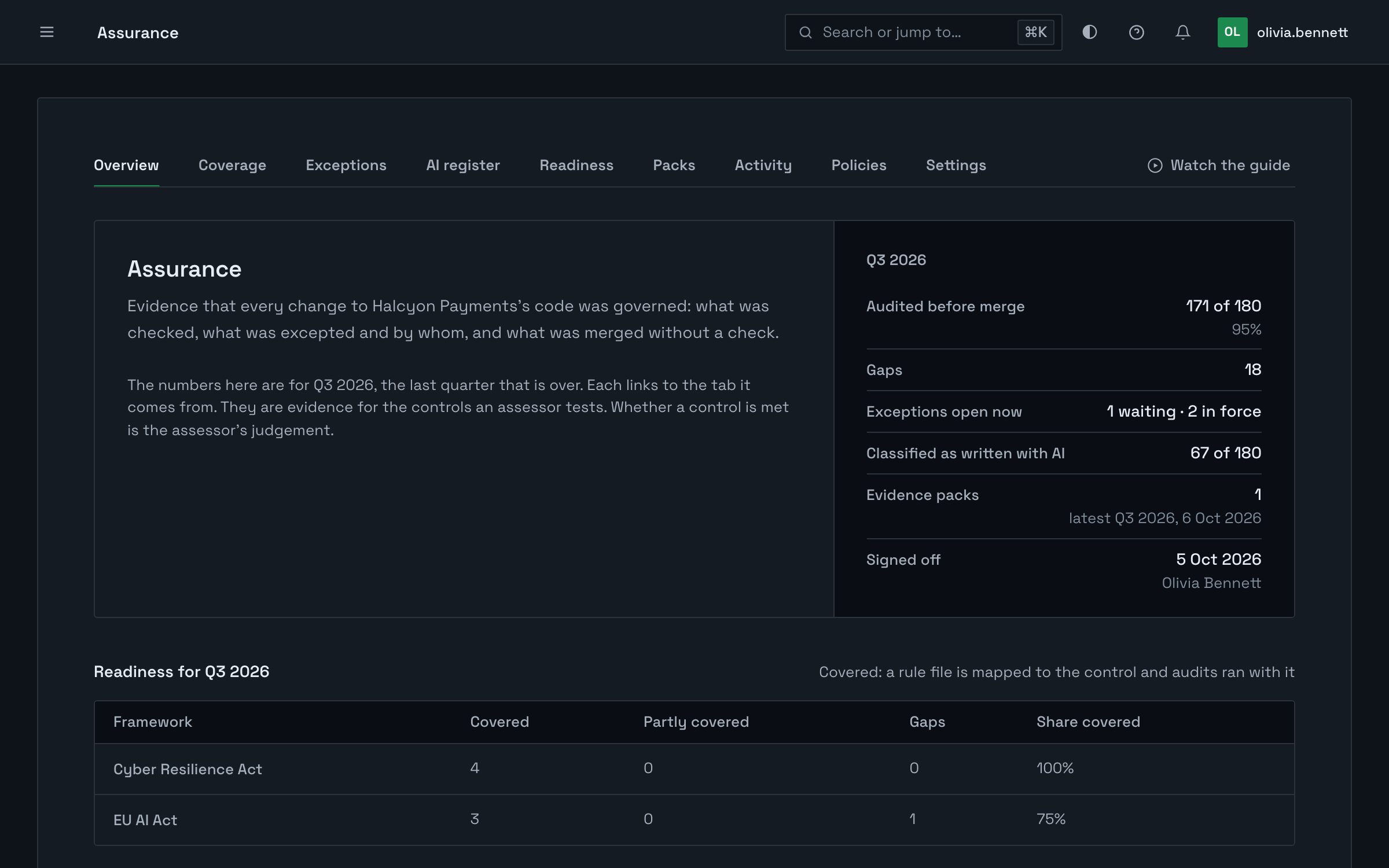
Assurance keeps a record of every change that reaches your main branches: how it was audited, who or what wrote it, and what was left unfixed and why. When a quarter ends it becomes one file your assessor checks on their own machine.
On Pro and above, and during a trial.
Overview
What Assurance records as you ship, and what you hand over when the quarter ends.
Halcyon Payments is a fictional company. What you see of it here is demonstration data.
Part by part
What each part records, how to use it, and what it does not claim.
01
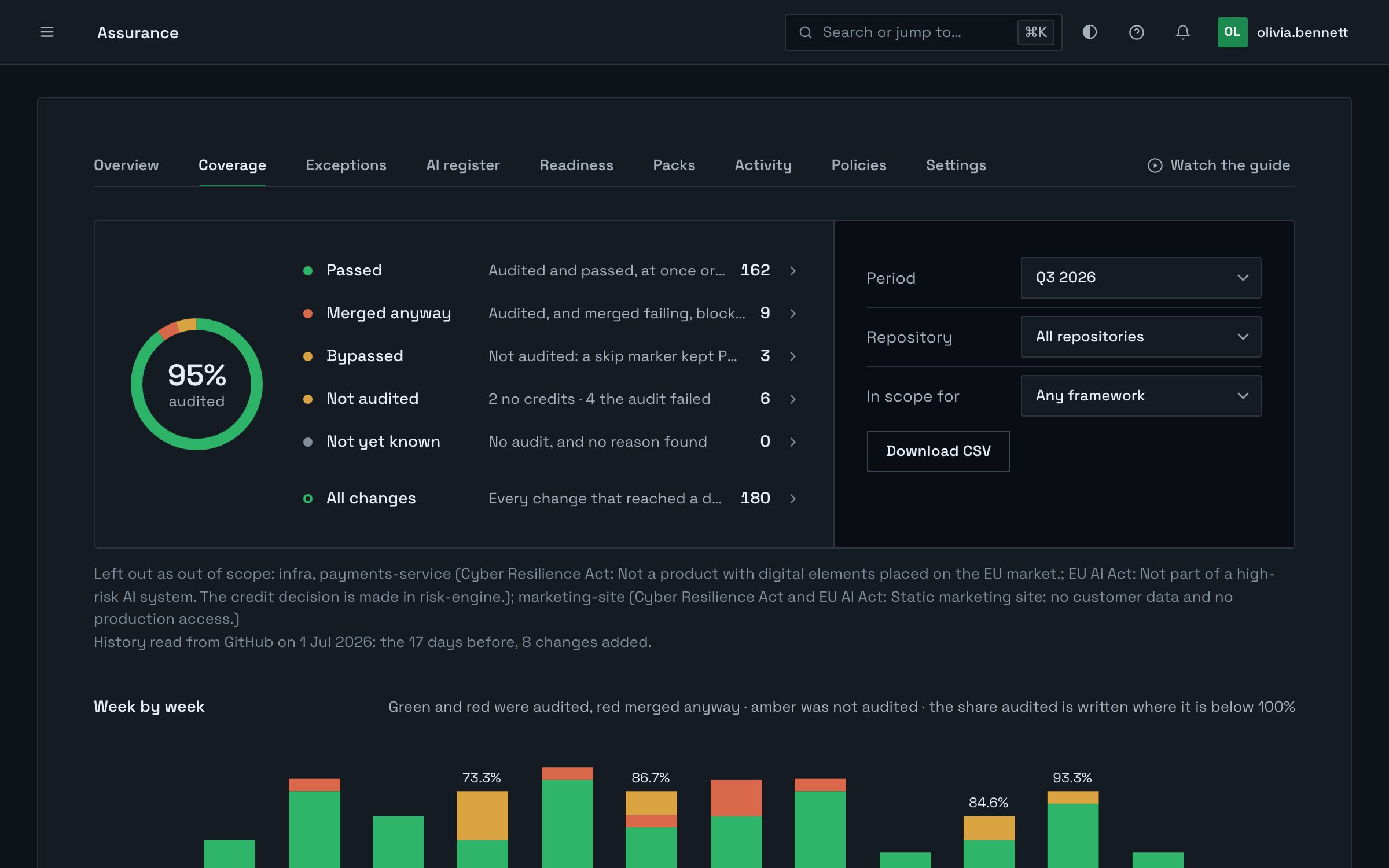
The coverage ledger lists each change that landed on a default branch, or on a release branch you name, in the period and how it was governed. A gap is listed with its reason, not hidden.
In this part
Open Governance, then Assurance, then Coverage.
Choose the period. A quarter is the usual one.
Read the gaps. Open any change to see its record.
Download the list as a CSV. The evidence pack carries the same file.
Audited means PRGuard checked the change against the rules you enabled. It does not mean the change has no defects.
Scope
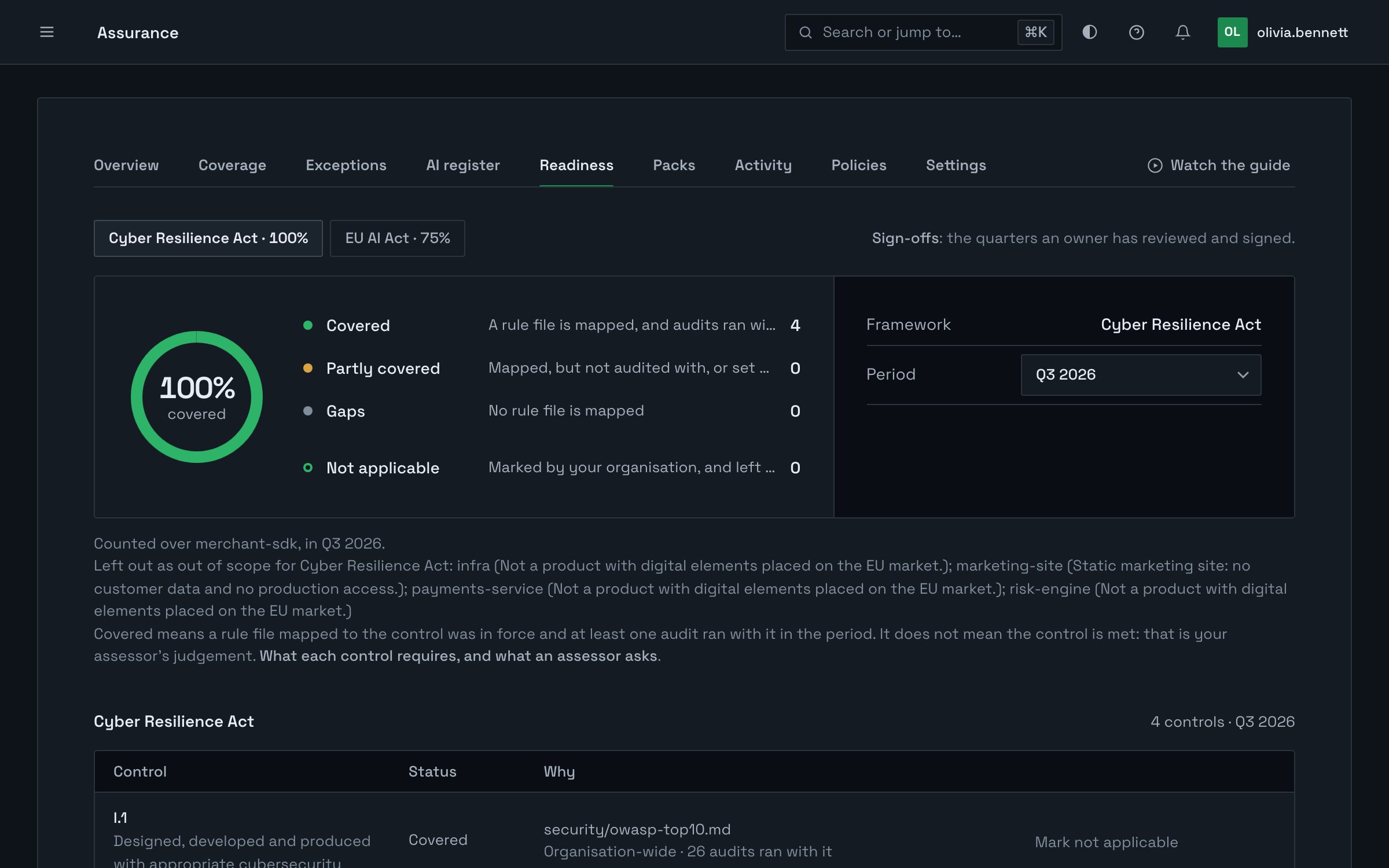
Assurance produces evidence for the controls an assessor tests. It does not certify compliance with any standard, and nothing in it says a control is met. That is the assessor’s judgement.
Questions
Pro and above, and during a trial. Pro includes one evidence pack a month. Pro Team and Enterprise have no limit.
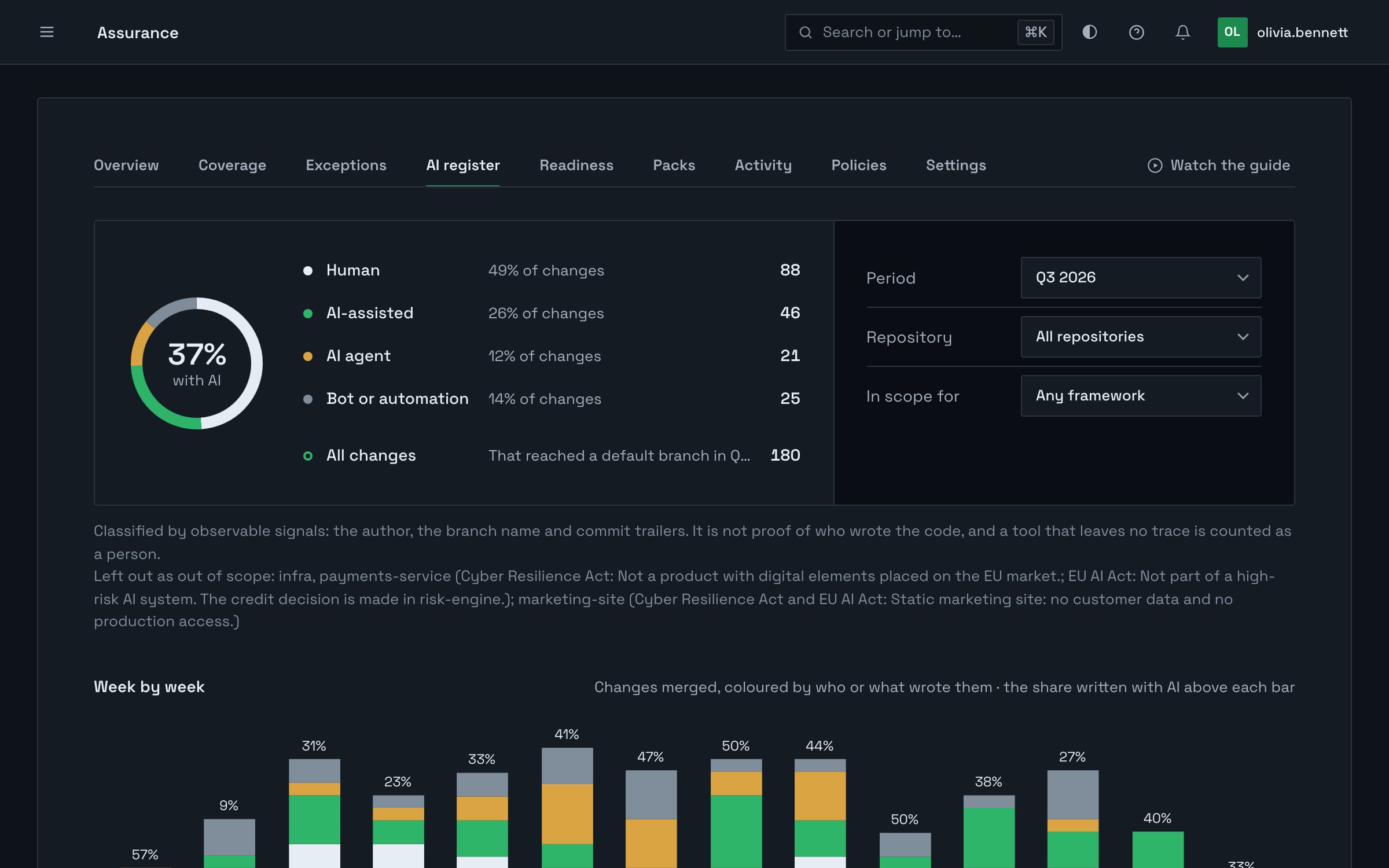
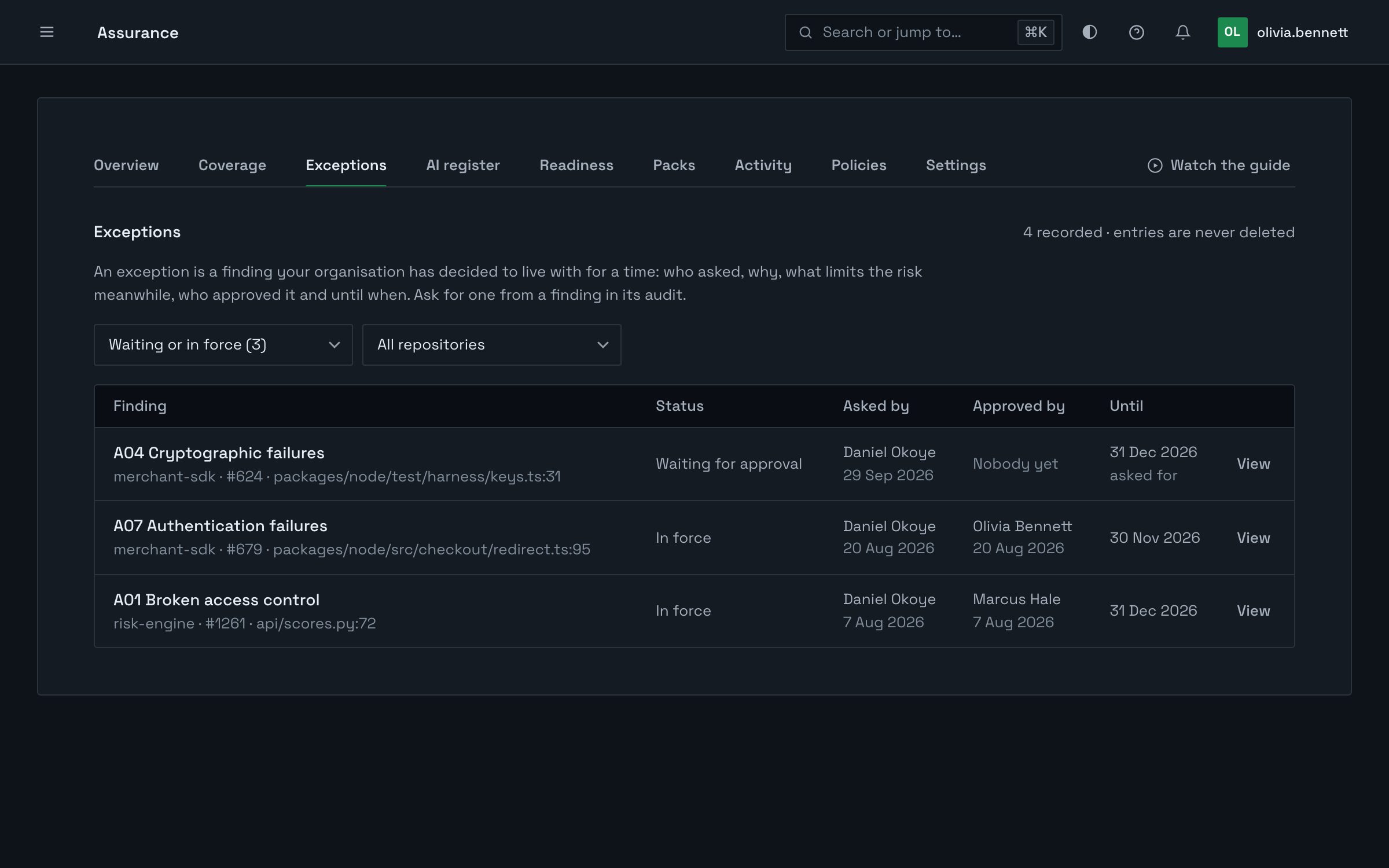
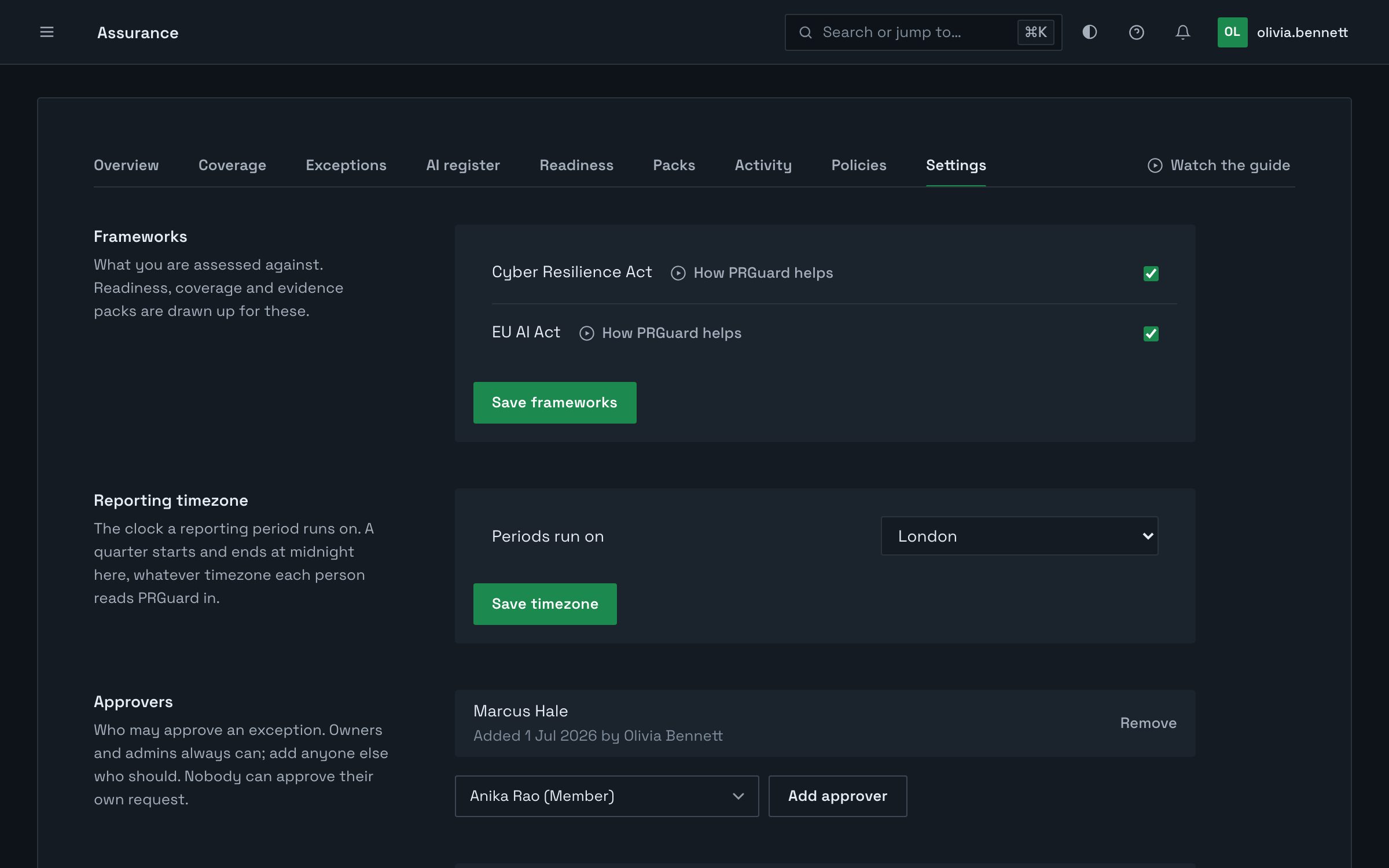
Any member of the organisation can read Coverage, Readiness, Exceptions, the AI register, Packs, sign-offs and Activity. Owners and admins see Settings and Policies and change them, download the Coverage CSV, correct a change's origin and mark a control not applicable. Owners, admins and any approver they name decide exceptions; owners, admins and project managers ask for packs and download them. Only an owner signs a quarter off.
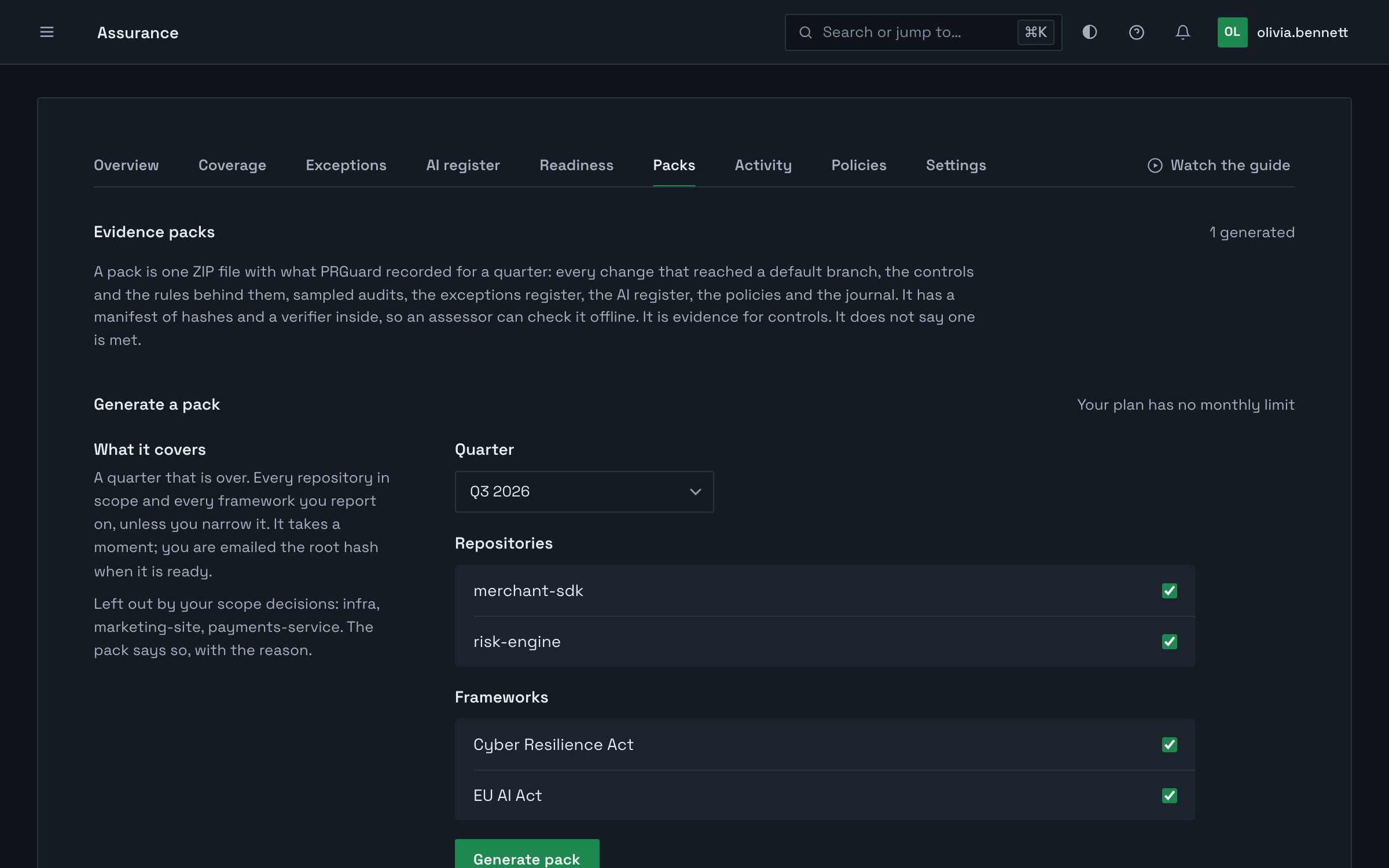
No. A pack carries names, sizes, fingerprints and links. A sampled finding gives its rule, its file and its line, never the code.
The manifest lists every file with its SHA-256, and a root hash over the list. The verifier works both out again and compares them. Give your assessor the root hash from the email PRGuard sent you, and the verifier checks the pack against that too. It runs offline and sends nothing to us.
The file is kept for a year. After that the file is removed, and its entry stays with the root hash, so a copy you kept can still be checked.
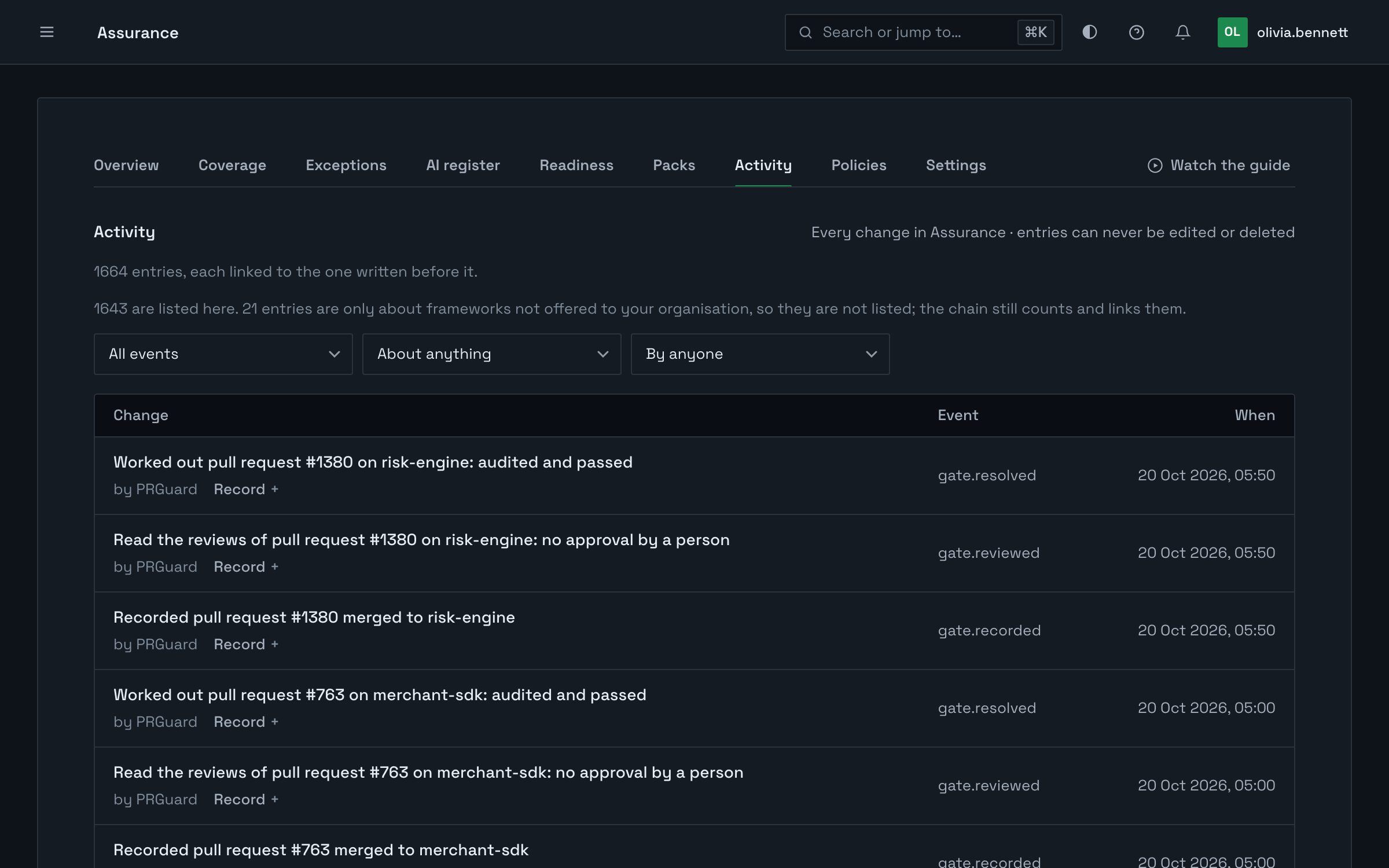
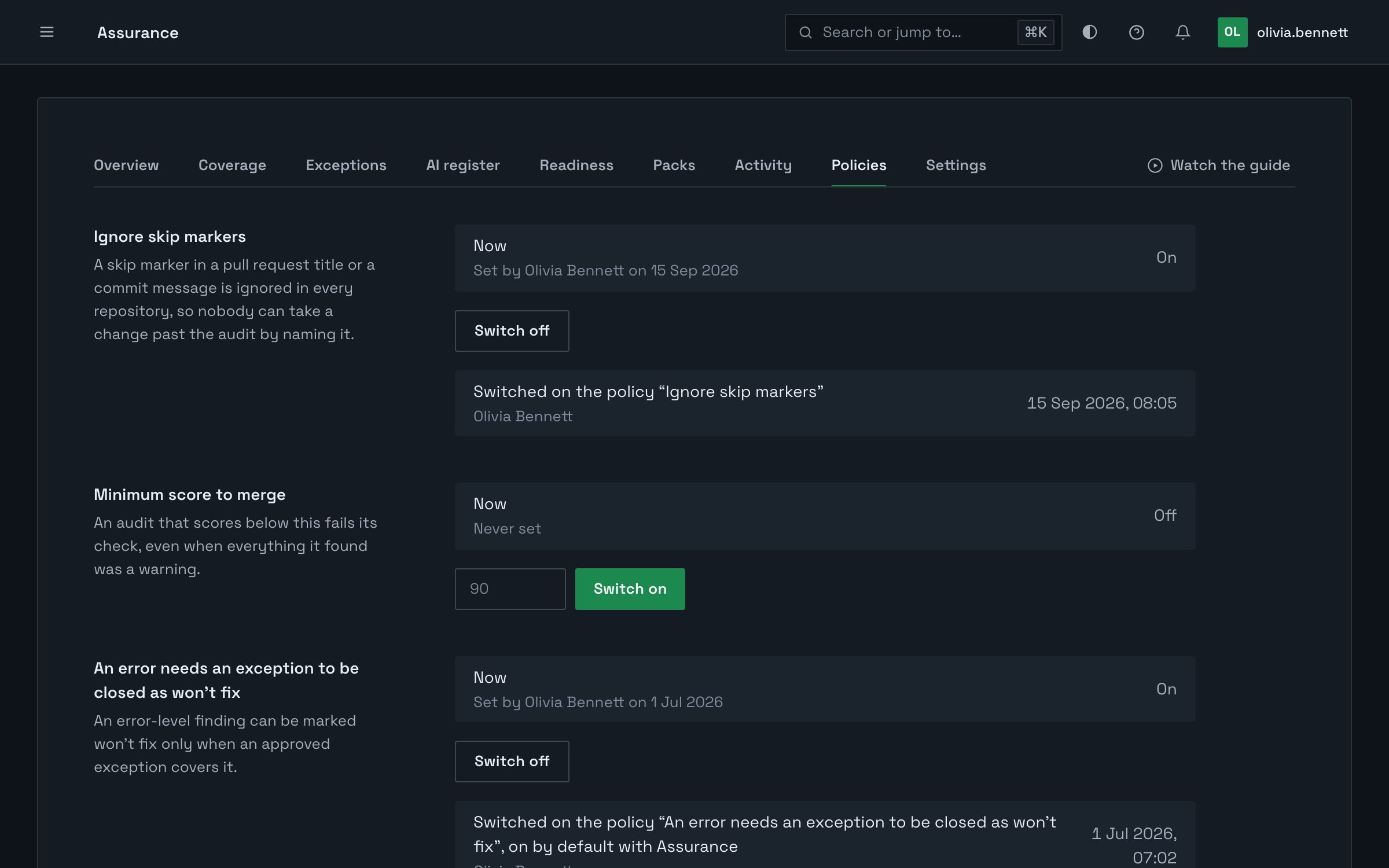
No. Audits run as they did, and Assurance reads their records. Three policies change what PRGuard does, and one is on from the start: an error needs an exception to be closed as won’t fix. The other two, skip markers switched off and a minimum score to merge, are yours to switch on.
Controls for the Cyber Resilience Act and the EU AI Act. You choose the ones you are assessed against.
Yes. Insights answers questions about the ledger, the exceptions and the AI register in plain words, and each claim links to the record behind it.
Switch Assurance on and the last 90 days are read for you.