Assurance — evidence packs, a coverage ledger, and an exceptions register
new20 October 2026
An auditor never asks "did you review this change?" They ask three harder things: did every change go through the gate, what happened to the ones that didn't, and can you show the record is complete. Assurance answers all three, from records PRGuard was already keeping.
Every merge to main, accounted for. The coverage ledger lists each change that reached a default branch, or a release branch the repository names, in the period and how it was governed: audited and passed, merged failing, bypassed with a skip marker, or not audited and why. Gaps are listed with their reason, not hidden. An organisation policy can switch skip markers off: a marker is then ignored, the change is audited, and the ledger shows it.
Exceptions, governed. With Assurance on, closing an error-level finding as won't fix needs an exception: a justification, a compensating control, an approver who is not the requester, and an end date. When it ends the finding reopens on its own.
Your AI, on the record. Each change is classified by origin (human, AI-assisted, AI agent, or bot or other automation) from observable signals: the author, the branch and commit trailers. It is a classification, not ground truth. Each audit records the model that ran. The register shows what share of your merges were classified as AI-written and how they fared against your standards.
Readiness, per framework. Map a rule file to the controls it supports in the Cyber Resilience Act and the EU AI Act. Readiness shows which controls have a rule that audits actually ran with, and which are gaps. An owner can sign a quarter off once it is over.
The two acts, article by article. The EU AI Act and Cyber Resilience Act pages say what each requirement asks, what PRGuard records for it and what stays with you, with a short video for each and a link to the law's own text.
One pack, verifiable offline. Pick a quarter and the frameworks you
are audited against. You get a ZIP: the population, sampled audits for
each control, your rules at the versions that ran, exceptions, policies,
the journal, and a manifest with a SHA-256 for every file and a root
hash over all of them. prguard verify pack.zip checks it without
talking to us, and so does the verify.py inside the pack. Your code is
never in the pack: names, sizes, fingerprints and links, as always.
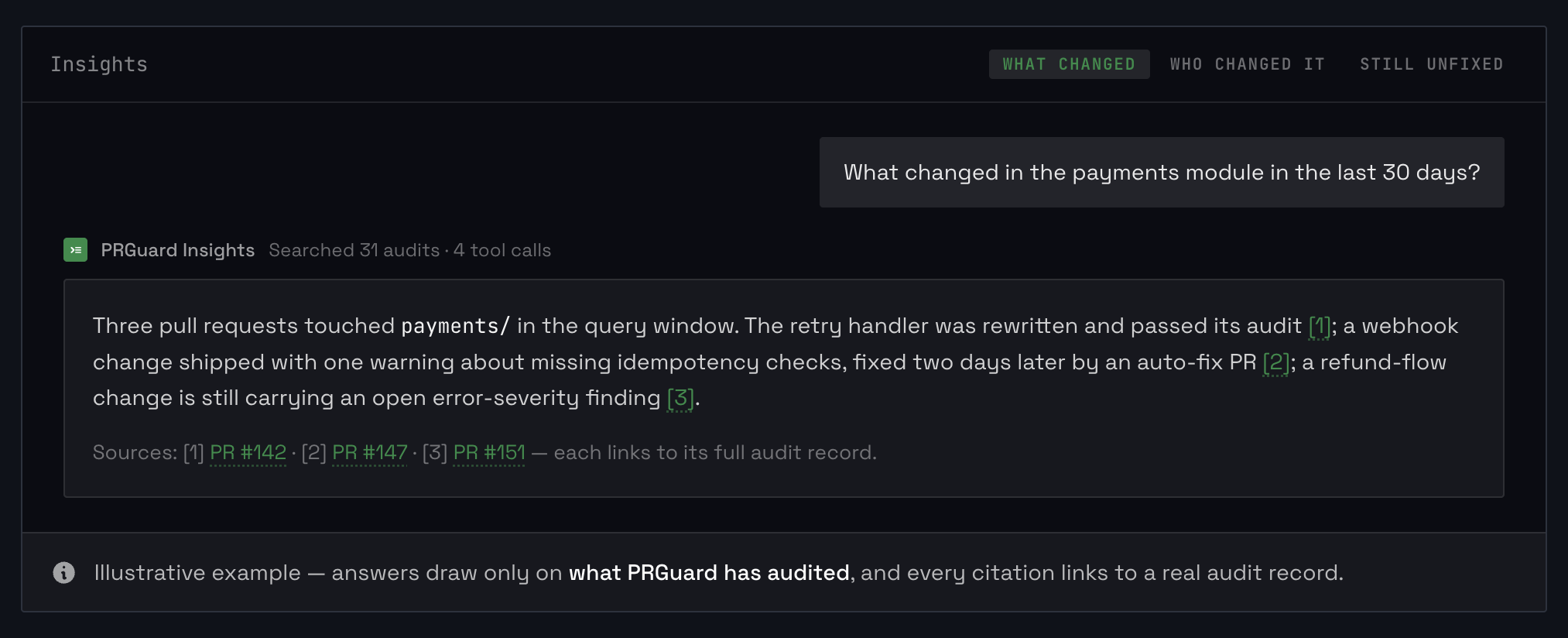
Ask it. Insights can answer questions about all of this: which merges bypassed the gate last quarter, what exceptions are open, how AI-written changes fared. Each claim links to the record behind it.
Assurance produces evidence for the controls an assessor tests. It does not make you compliant, and nothing in it says a control is met: that is the assessor's judgement.
Assurance is under Governance → Assurance, on Pro and above and during a trial. An owner or an admin switches it on from the organisation page. Pro includes one evidence pack a month; Pro Team and Enterprise have no limit. Records are append-only and hashed on export, and each journal entry is linked to the one written before it.
The guide goes through it part by part.